 Getting started
ZX Vision — Start Here
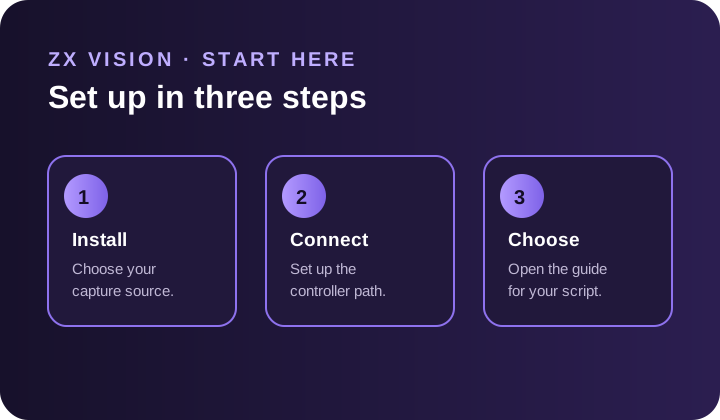
Follow the three steps to install ZX Vision, connect a controller, and choose a script.
Read guide →Official setup, access, and troubleshooting information.
Getting startedFollow the three steps to install ZX Vision, connect a controller, and choose a script.
Read guide →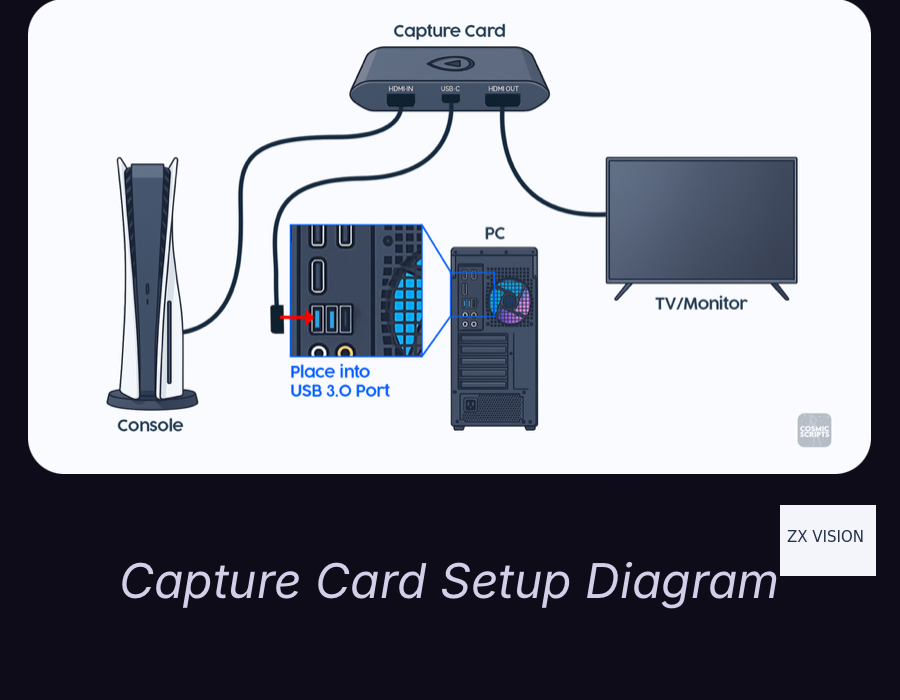 Getting started
Install ZX Vision, choose a capture source, configure video, and select the right controller guide.
Read guide →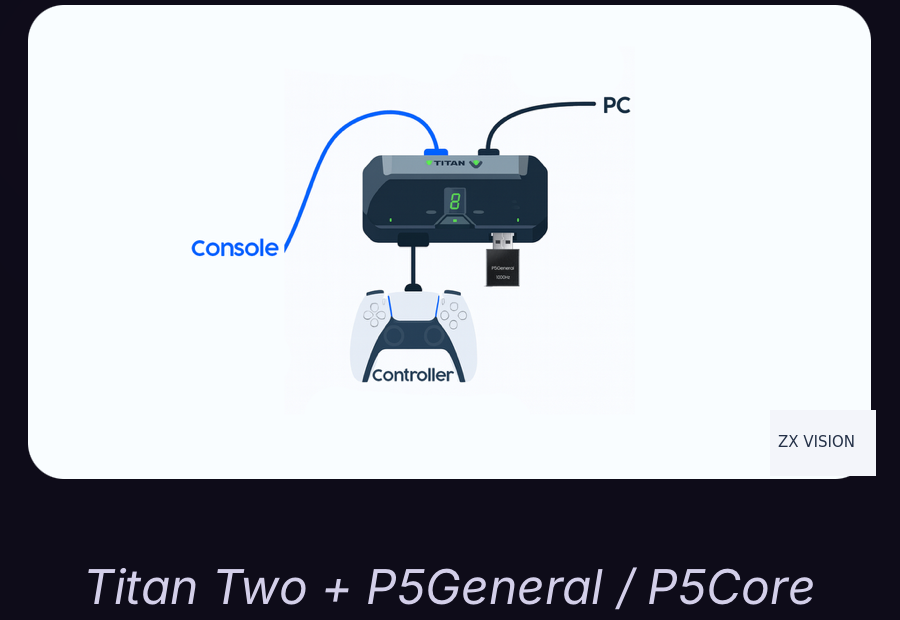 Connections
Connect Titan Two for non-PS5 consoles and PS5 routing devices.
Read guide →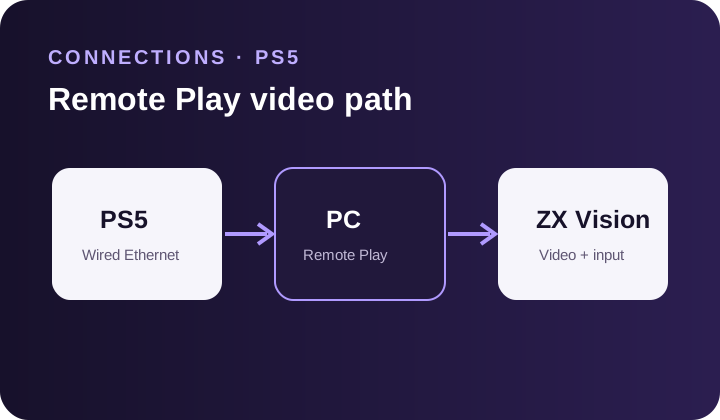 Connections
Use the PS5 built-in Remote Play output with or without a capture card.
Read guide →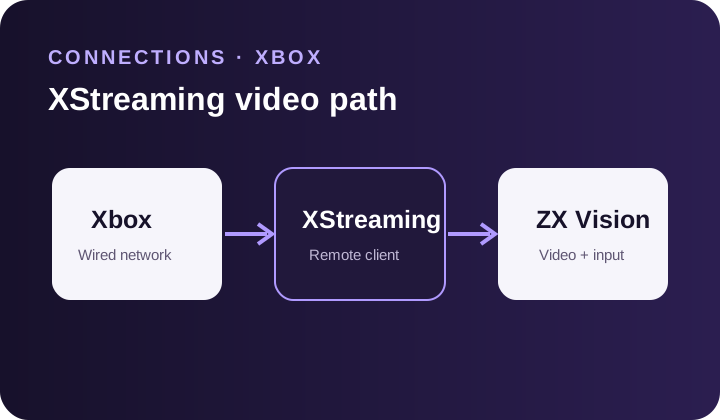 Connections
Use Virtual Controller and XStreaming Desktop for Xbox Remote Play.
Read guide →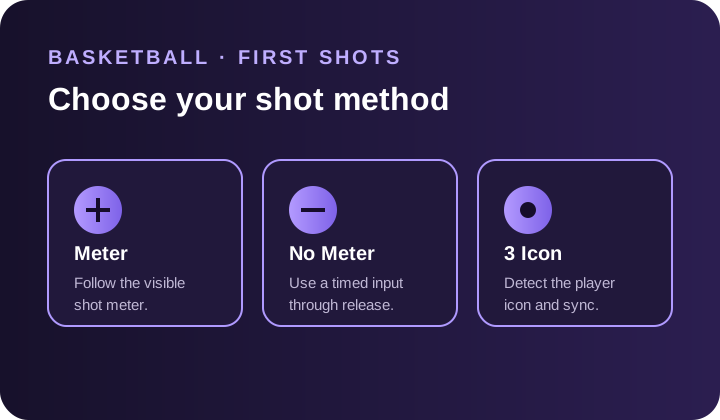 Basketball
Choose Meter, No Meter, or 3 Icon and complete the first Basketball detection and timing tests.
Read guide →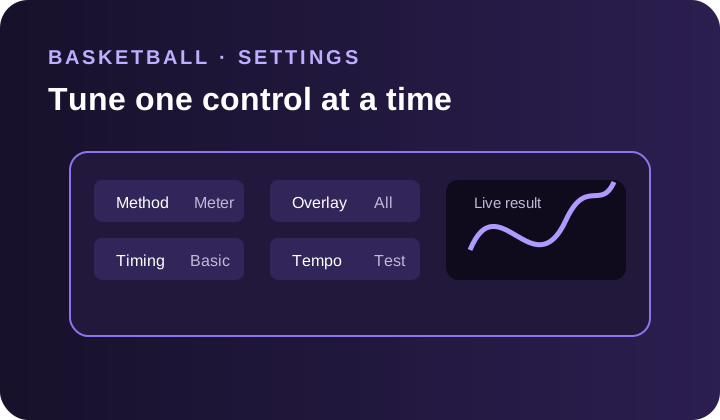 Basketball
Configure meter detection, timing, tempo, 3 Icon, input mappings, and profiles.
Read guide →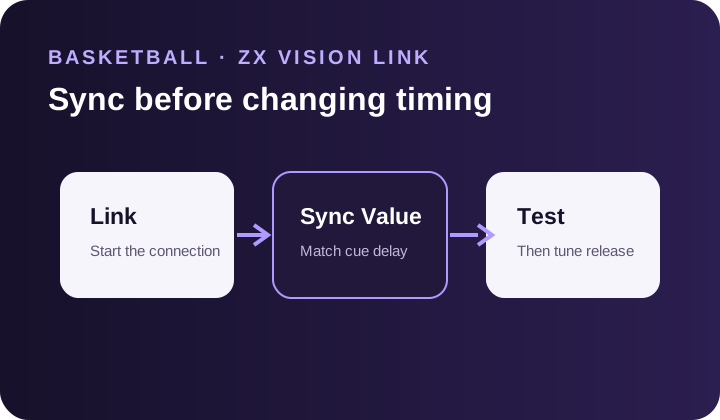 Basketball
Start ZX Vision Link and configure Sync, Full Desync, and Normalization.
Read guide →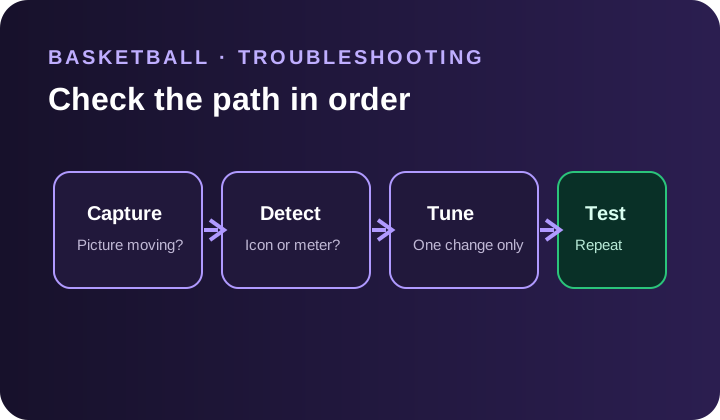 Basketball
Troubleshoot shot timing, meter detection, 3 Icon, ZX Vision Link, and court status.
Read guide →